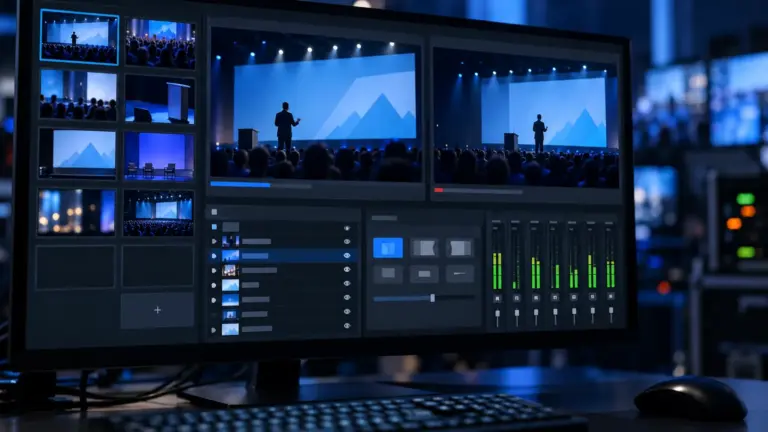
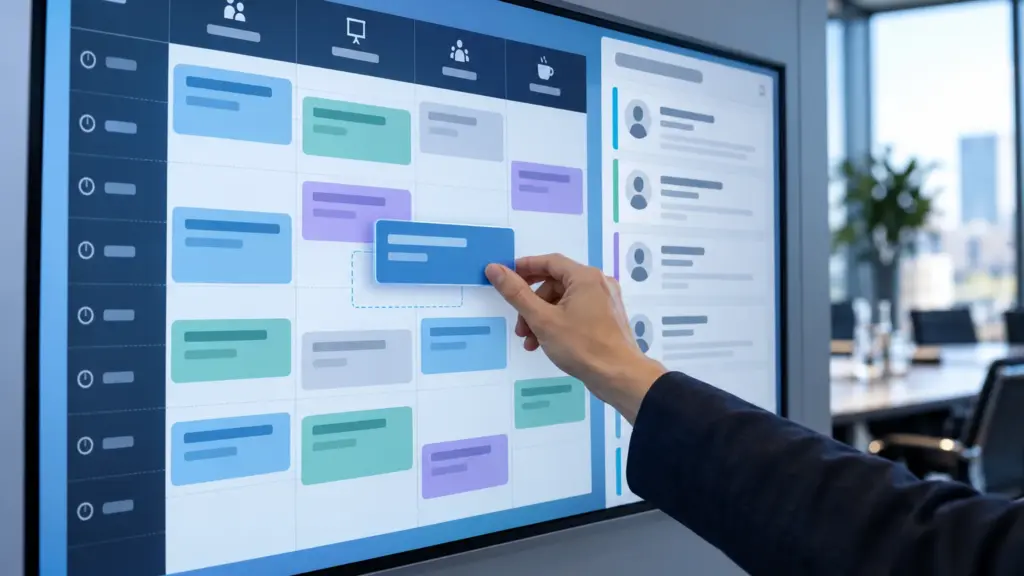
Zoho released Zoho Backstage 4.0 on 23 October 2026, to mark Event Organizers Day. The update concentrates on three areas: the mobile experience for organisers and attendees, the expo and floor‑plan module, and AI features, including an MCP server that lets AI assistants read and change event data. This report is based on Zoho’s release announcement and product pages; we have not used the new version.
Mobile tools for organisers and attendees
Organizer 360 moves everyday tasks to the phone: ticket classes, promo and access codes, speakers, offline check-in and badging. Zoho says more organising modules will follow.
A Custom App Builder lets organisers build and publish an attendee app without code, in native or web-view mode, from components such as agenda, speakers, networking, exhibitors and sponsors, floor map, chat and leaderboard. Over-the-air updates mean fixes can reach attendees without an app-store update, which matters most during a live event.
For exhibitors, Offline Lead Scanning keeps capturing leads when the venue connection fails, and an Exhibitor View inside the attendee app handles booth information, booth members, lead export and lead analytics.
Floor plans and booth sales
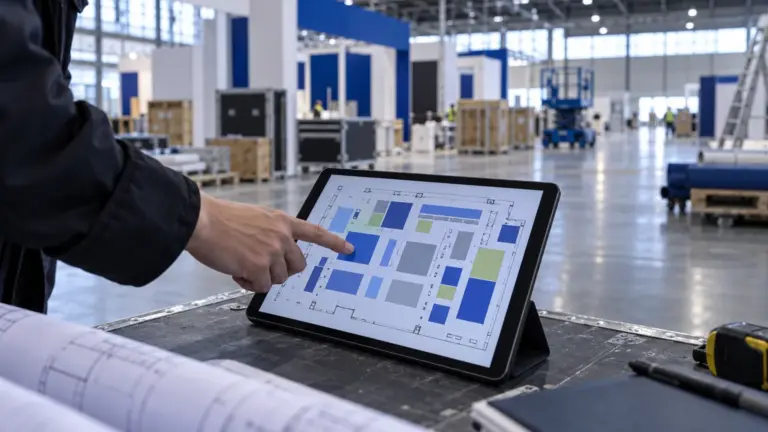
The expo module now imports and exports DXF files, so a layout drawn in AutoCAD can be brought into Backstage rather than redrawn, including multi-floor layouts. A 3D Floor Planner shows the space to organisers and exhibitors, and attendees use the same plan to navigate.
Lock/Freeze Mode stops an approved layout being moved or resized while sales staff carry on assigning exhibitors, pricing and status. Booth Pricing prices booths by area or at a flat rate per booth, and a floor‑plan widget embeds a searchable, interactive plan on the event website.
AI features and the MCP server
An AI Event Chatbot answers attendee questions on the event website. Design Assist recreates a badge or certificate from an uploaded image as a starting point for editing, and a Content Generator drafts event text.
The Zoho Backstage MCP server connects Backstage to AI applications such as Claude and ChatGPT. Zoho says it exposes 133 read and write operations, so an organiser can ask about registration progress or compare ticket sales, and also create a VIP ticket class, register an attendee or send an RSVP invite from the AI workspace. An AI Console lets administrators switch AI features on or off and set defaults across events. Zoho says AI agents are due this winter.
Registration and other changes
Registration gains a ticket waitlist, companion tickets, claim links so a buyer can add attendee details later, ticket class groups and ticket class exchange. PayNow and GrabPay are added within Stripe for eligible accounts, along with South Africa tax support. WhatsApp messages now have delivery reports and automatic credit top-ups, Zoho CRM sync has field-level controls, and a desktop app adds direct and batch badge printing. A Marketplace for apps and plugins is also announced.
Zoho marks several features as early access, including the 3D floor‑plan experience, Design Assist, the Marketplace and the AI roadmap, and says they may not yet be on every account.
What it changes for event teams
The floor‑plan work is the most practical change for exhibition organisers already on Backstage: DXF import removes the redrawing step between the venue's CAD plan and the sales map, and the layout lock separates who designs the floor from who sells it. Offline lead scanning addresses a common exhibitor complaint at venues with weak Wi-Fi.
The MCP server goes further than read-only reporting, because it can create ticket classes and register attendees. Before connecting it to an AI assistant, decide which staff accounts may use it, what each may change, and how you will review actions taken through the assistant, as you would for any integration with write access to attendee data.
Sources
- Zoho Blog: Zoho Backstage 4.0: Introducing the most powerful event experience platform from Zoho, ever (23 October 2026)
- Zoho Backstage overview
Correction, 24 October 2026: this report originally gave the release date as 22 October. Zoho's announcement is dated 23 October 2026 and has moved to a new address, now linked above.
Sources checked 23 October 2026. Features are described from Zoho's own announcement and product pages. Event Tech News has not tested them.
In the directory: Compare event ticketing and registration software in the vendor directory.
- Zoho Backstage in the vendor directory
- Event platforms connect AI assistants to operational data
- Comparing lead retrieval and badge scanning
- ExpoFP and Map D, other trade-show floor‑plan tools