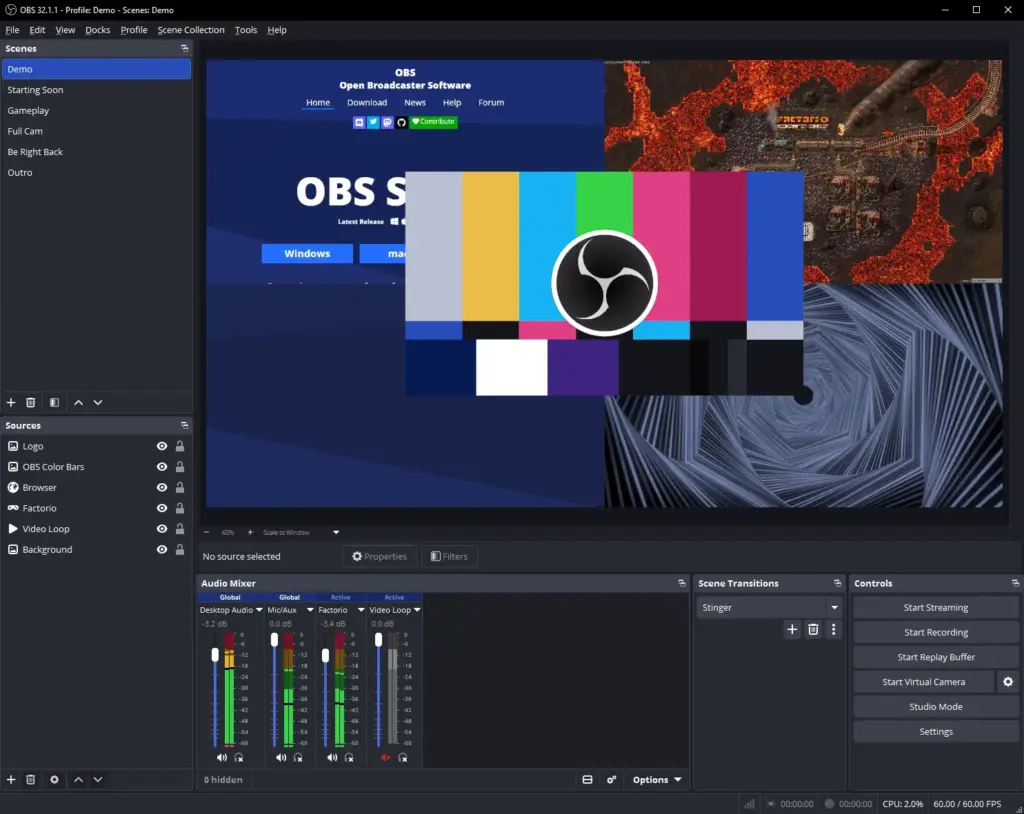
If you stream events from OBS Studio 33.0 with a Twitch or YouTube account signed in, version 33.0.1 removes the crashes and the hang that could stop you getting on air, and it stops a memory leak in looping slideshows that run all day. The OBS Project published the hotfix on GitHub on 29 October 2026 at 21:52 UTC, six days after 33.0. Its release notes list seven fixes and nothing new beyond them, so you get the stability fixes with nothing new to learn. This report is based on the OBS Project’s published release notes; Event Tech News has not tested the release.
What the hotfix fixes
You get a steadier machine on show day in four areas, each one taken from the 33.0.1 release notes.
| Area | Fix in 33.0.1 | Who it affects at an event |
|---|---|---|
| Service integrations | A crash on startup when OBS is logged in to a service integration, a crash when logging in to the Twitch integration, and a deadlock when logging in to the YouTube integration | Operators who have OBS signed in to a Twitch or YouTube account |
| Browser panels | A race condition that could leave browser panels with wrongly sized content | Anyone using browser docks for chat, timers or control pages beside the preview |
| Image slideshow | A memory leak in the image slideshow source | Long event days where a sponsor or holding-slide loop runs for hours |
| Plugins | Plugins failing to load in the Linux Flatpak build, and the Plugin Manager not prompting to save a change until the dialog was reopened | Linux streaming machines installed from Flathub, and anyone turning plugins on or off |
Three of the seven fixes (the startup crash with a service logged in, the YouTube deadlock and the browser panel sizing) link to changes in obs-browser, the OBS component behind browser sources and docks. That component moved to a much newer browser engine in 33.0, so if browser sources or docks matter to your show, rehearse them on 33.0.1 rather than assuming 33.0 results still hold.
What it means for event streams
You keep everything 33.0 brought, because 33.0.1 sits on top of it rather than changing it. Third-party OBS Studio plugins have a new install location; the OBS knowledge base says plugins in the old locations keep working until at least OBS Studio 34.0, which it expects around August 2027. Browser sources and docks run on the newer engine (CEF 150, up from 127), and 33.0 dropped support for Ubuntu 24.04. Our report on OBS Studio 33.0 covers those changes in full, and our earlier report on the 33 release candidates explains the plugin and browser changes as they were first announced.
- Already on 33.0. Move to 33.0.1 now, above all if a Twitch or YouTube account is connected in OBS, you rely on browser docks, or you run long slideshow loops. It is the version to rehearse and run.
- Still on 32.2.2 with a show coming up. The advice is the same as for 33.0: install 33.0.1 on a spare machine first and rehearse the full running order before you switch the show machine.
- Linux machines on the Flatpak. If plugins disappeared after you updated to 33.0, this is the release that fixes it.
Before your next streamed event
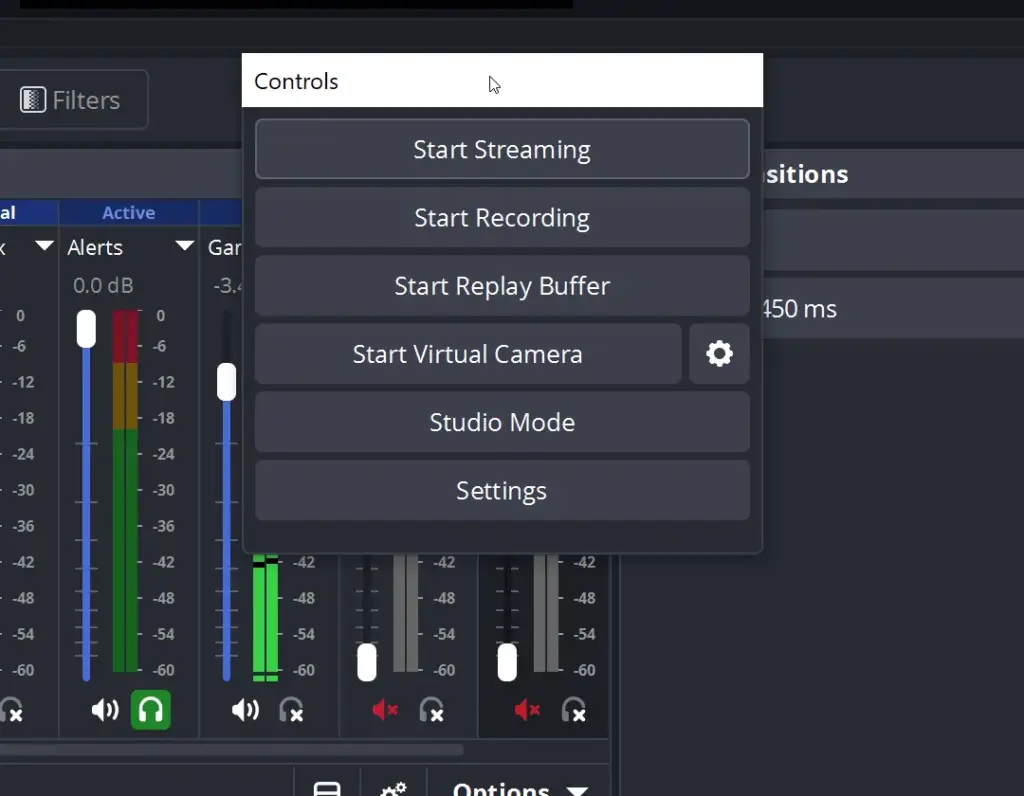
- Check the version in the OBS title bar on every machine that will stream or record, including the backup.
- Update to 33.0.1, then start OBS with your usual profile and scene collection and confirm it opens without a crash while signed in to your streaming service.
- Sign out of and back in to Twitch or YouTube inside OBS if you use either, and run a private or unlisted test stream.
- Open every browser dock you use on the day and check its content fills the panel.
- Leave your holding-slide or sponsor slideshow running for as long as the longest gap in your programme and watch memory use in your system monitor.
- Open the Plugin Manager, confirm every plugin you need is loaded, and note any marked Legacy so you can update them before 34.0.
If you control OBS from another tool, rehearse that link too. Our guide to where OBS Studio fits in an event streaming setup covers how it works alongside other production tools.
Where to get 33.0.1
You can download it straight away from the usual places. When we checked on 5 November 2026, the obsproject.com download page offered 33.0.1 for Windows (installer and zip) and for macOS on both Intel and Apple Silicon, with Linux distributed as a Flatpak on Flathub and a PPA for Ubuntu 26.04 and newer. The GitHub release also carries a Windows Arm64 zip, an Ubuntu 26.04 package and the source code. No newer OBS release had been published by that date.
- OBS Studio 33.0 is out with new plugin folders and a newer browser engine
- Where OBS Studio fits in an event streaming setup
- OBS Studio in the vendor directory
- vMix, Wirecast and StreamYard in the AV and streaming directory
Sources: OBS Studio 33.0.1 release notes on GitHub, OBS Project downloads, OBS knowledge base on legacy plugin locations, checked 5 November 2026.