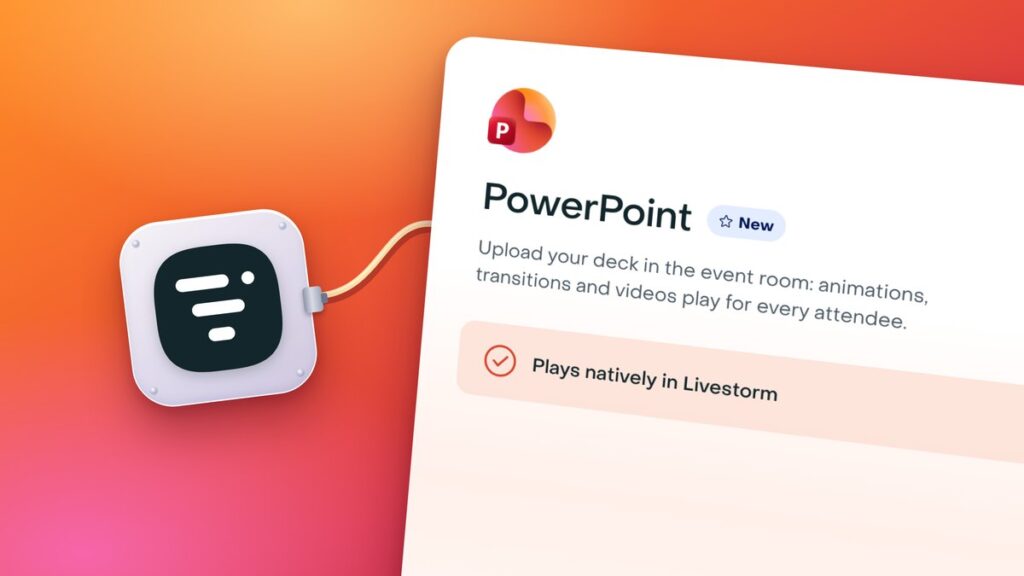
Livestorm, the browser-based webinar and online events platform, launched native PowerPoint playback on 16 November 2026. If you present a deck in a Livestorm session, its animations, transitions and embedded videos now play for every attendee as you built them, instead of reaching the audience through a screen share or a file where nothing moves. It is available now to Livestorm Enterprise customers, with nothing to switch on.
What your audience sees
Attendees see the deck as you designed it. Livestorm says animations play one click at a time and transitions work, Morph included. Videos stored in the file play on the slide with their sound, and so does a YouTube video.
Playback stays in step for the whole room. When a speaker plays, pauses or skips ahead in a video, every attendee sees the same moment, and anyone on a slow connection catches back up. Someone who joins late lands on the current slide and at the right point in the video. Attendees do not need PowerPoint or a Microsoft account, because the deck plays in their own browser.
What changes for speakers and producers
There is no file preparation before the session. You upload a .pptx or .ppsx file of up to 2 GB, videos included, straight into the event room by choosing Share and then Share a PowerPoint. Livestorm says there is nothing to convert, no processing to wait for, no link to create and no app to install. MP4 videos in the deck stream on their own, so attendees do not download them with the slides.
Speakers and moderators, guest speakers included, move the slides with Next and Previous or the arrow keys and keep their notes in view in a panel under the deck. The notes are removed from the copy each attendee receives, so the audience never sees them.
Livestorm says it built the feature to one rule, that “nothing in your deck gets left behind,” and names PowerPoint Live in Microsoft Teams as the experience it wanted to match in a webinar, where registrants and guest speakers join from a browser without a Microsoft account.
To compare other webinar and streaming tools, see our AV and streaming directory.