Hi.Events has added a Model Context Protocol (MCP) server to its open-source ticketing platform, released as version 2.2.0 on GitHub on 7 November 2026. If you run events on Hi.Events, you can now connect an AI assistant such as Claude, ChatGPT or Cursor to your account and use it to set up events, tickets, dates and promo codes, or to pull sales figures, from a chat window. The release notes contain a single change, and the detail comes from the pull request that added it, merged on 6 November. This report is based on those two GitHub pages and on the hosted service’s public connection metadata; we have not connected an assistant ourselves.
What the assistant can do in your account
The pull request lists 44 tools. Between them they cover most of the setup work an organiser does in the dashboard:
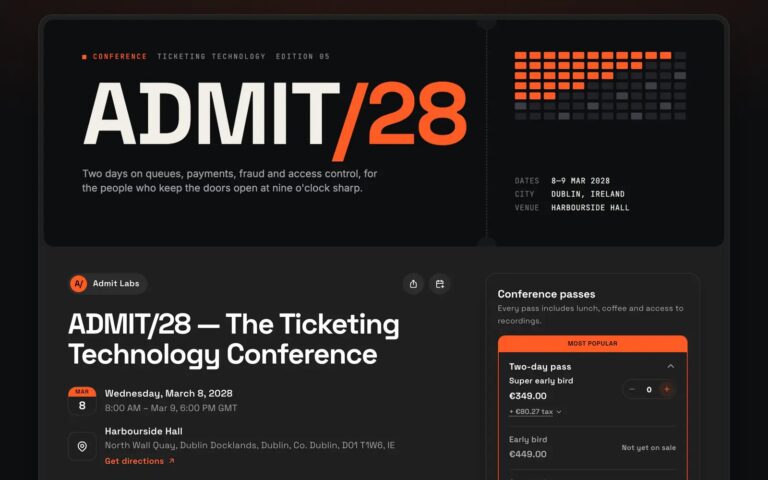
- Organisers and events: list, create and update events, publish or unpublish them, set a cover image from a web address and set the venue (a saved venue, a new address or online).
- Dates: list and add dates, generate dates from a recurring schedule and check that the generation has finished.
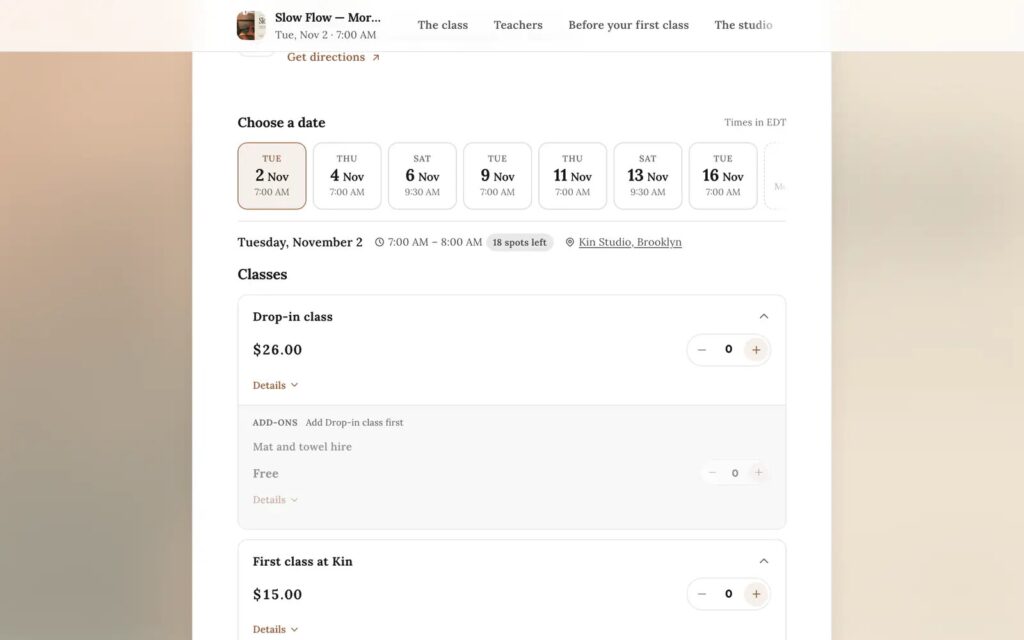
- Tickets: create and update free, paid, donation and tiered tickets, add-ons offered with chosen tickets, ticket categories and shared capacity across ticket types.
- Promo codes and registration questions, including the conditional follow-up questions that arrived in version 2.1 the day before.
- Lineup and schedule: performers with photos, stages or rooms and schedule items.
- Design: event settings, the page theme, the ticket design and embeddable widgets with their embed code.
- Reports: sales stats for a whole event, a date range or one date of a recurring event, organiser sales stats and every event and organiser report.
Just as important is what it cannot do. The pull request says there is no catch-all tool, and no tool moves money or messages attendees. So an assistant can build a ticket type or read last week’s sales, but it cannot issue refunds, pay out or email your buyers.
Permissions follow the person who connects
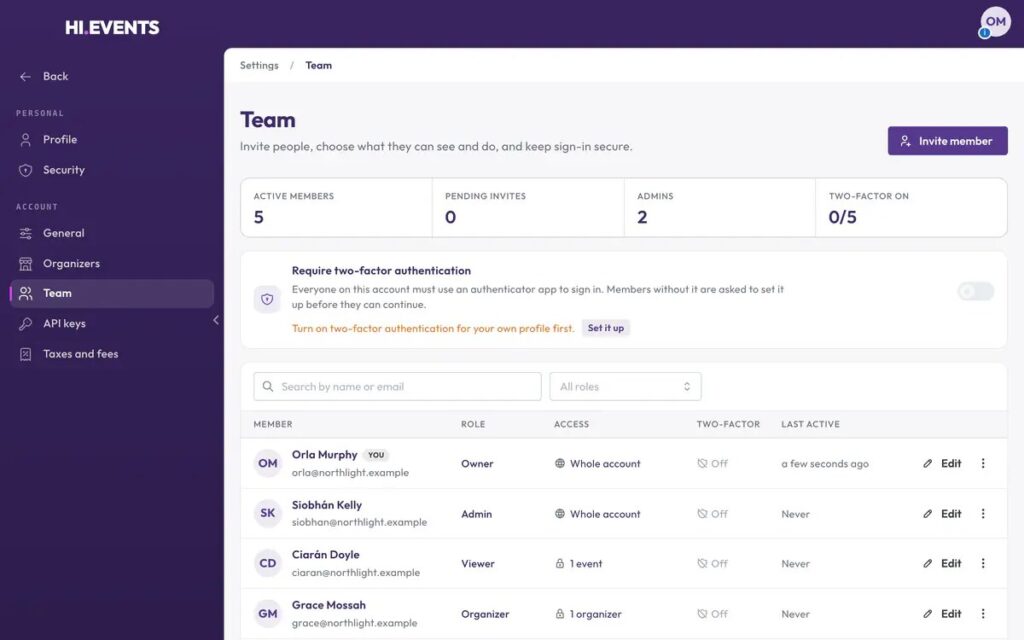
Each tool calls the same API route the dashboard uses, so the permissions you have already set apply. A team member with read-only access gets read-only tools, and someone who cannot see financial figures still has them hidden when they ask through an assistant. Write access is granted only to members with edit permission. Each tool is marked as either read-only or destructive, which assistants can use to decide when to check with you before acting. Writes are capped at 60 a minute per connection, and a tool that makes several changes undoes them if a later step fails.
Connecting works in one of two ways. You can paste an existing Hi.Events API key, or, with assistants that support it, sign in through an OAuth consent page. Approving a connection needs a verified email address and a fresh identity check, and Hi.Events emails you whenever a new app is connected. Connected apps are listed under Settings, API keys, where each one can be revoked, and anything that revokes API keys (a password reset, removing a team member, deleting the account) also disconnects them. Sign-in tokens last an hour, and the refresh tokens behind them expire after 90 days without use.
On the hosted service, Hi.Events’ API was already publishing the MCP connection details when we checked on 8 November 2026, with separate read and write permission scopes. Self-hosted installs get the same server after upgrading. There are no new settings to configure, though anyone running their own proxy in front of Hi.Events needs to route the new sign-in discovery addresses to the backend, as the bundled configurations now do.
How it compares with other ticketing tools
Hi.Events joins a small group of event platforms with an AI assistant connection. We looked at the first two, Swoogo and Ticket Tailor, in our piece on connecting event platforms to AI assistants. Swoogo’s server also honours existing user roles and can check registrants in and send transactional emails, which Hi.Events has chosen to leave out. Ticket Tailor’s connector focuses on creating events, changing prices and sales snapshots.
The questions to ask are the same for every platform. Check whether a connection can only read or can also change things, whose permissions it uses, whether it can touch money or contact attendees, and how you see and revoke connections. Hi.Events answers each of those in its pull request, which helps if you need to explain the risk to a finance or data protection colleague. Because it is open source under the AGPL, your developers can also read exactly what each tool does.
Hi.Events is free to self-host, and its hosted service charges per paid ticket; our Hi.Events profile has current pricing and features. Other self-serve ticketing options in our registration and ticketing directory include pretix, Tito and Humanitix, and our guide to choosing event registration software covers the wider buying questions.
Sources: github.com (v2.2.0 release), github.com (pull request 1481), api.hi.events
Companies in this story
- Hi.EventsYou can sell tickets with no monthly fee and pay nothing on free events, because the 1.25% + $0.60 fee on a paid ticket can go to the buyer, or self-host the open-source version free.
- SwoogoYou get registration, event websites, emails, onsite check-in and an attendee app in one platform priced per admin user, with more than 140 documented REST API endpoints, webhooks and an MCP server.
- Ticket TailorSell tickets from £0.22 each (+ VAT) on prepaid credits or £0.60 pay as you go, take payouts straight into your own processor account, and scan entry with a free iOS and Android app.
- pretixSell tickets, run the door and print badges from one backend with no monthly fee on the hosted service, which charges 2.5% per paid ticket, never more than €15, excluding VAT.
- TitoYou get registration and ticketing for technology, developer and B2B conferences without a subscription, with an embeddable widget, developer documentation and a standard fee of 3% per paid ticket.
- HumanitixFree events cost nothing and paid tickets carry a per-ticket booking fee (4.67% + £0.46 excl. VAT in the UK) that buyers pay by default, with every feature on every plan and no contract.