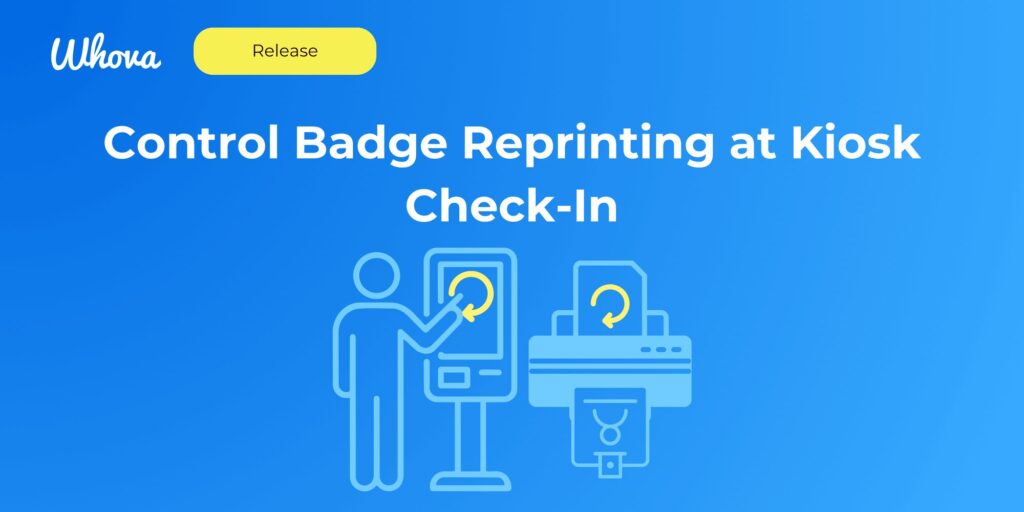
If attendees print their own badges at Whova self check-in kiosks, you can now stop them printing spare copies to hand to people who never registered. Whova’s update of 23 November 2026 adds a reprint limit to its kiosk settings, so each attendee prints a badge once, or prints it and reprints it up to twice more, while your team can still reissue a badge for anyone who genuinely needs one.
Two print limits you can change during the event
In the Security section of the kiosk settings you choose between “Allow up to 3 prints”, which covers the original badge plus two reprints, and “Limit to 1 print”, which leaves any further badge to an event administrator. With three prints allowed, attendees can replace a lost badge or correct details such as their first name or prefix before reprinting.
The limit can be changed at any time, including after check-in has started. If you notice attendees printing extra copies, you can switch to one print. If several attendees need replacement or corrected badges, you can switch back to three and let them reprint at the kiosk themselves without staff handling every request.
The limits apply only to badges attendees print themselves. Kiosk check-in is a Whova add-on, set up for both self check-in and badge printing.
Staff can still replace a badge for anyone
An attendee who has used up their reprints, or who spots a typo in their name, can still get a new badge from your team. Staff find the attendee by name or email on the Event Check-In dashboard, update their name, affiliation or attendee category if needed, and print the badge as a PDF on any connected printer, all without changing the limit for everyone else.
Every kiosk print is on record
The kiosk dashboard shows total check-ins and total badges printed, the activity and connected printer at each kiosk, and a log of every print job with the kiosk, the attendee’s name and category, when it was sent and whether it printed, is pending or failed. You can spot unusual printing during check-in and see straight away which kiosk or printer needs attention.
Swapcard released badge reprinting the same day
Swapcard also released badge reprinting on 23 November 2026, for its SwapAccess stations. Attendees get a replacement badge with a scan at a SwapAccess station, and their original check-in time is kept, so your attendance reports stay accurate. You switch reprinting on for each badge template, allow or block it for individual attendees, and see each attendee’s latest print date and earlier prints. It applies to SwapAccess badge printing only, not to PDF badges.
To compare check-in, badge printing and on-site tools, see our badging and lead retrieval and registration and ticketing directories.
In the directory: Compare event apps and networking platforms in the vendor directory.
Companies in this story
- WhovaWhova runs registration, check-in, badges and the attendee app from one account, with platform pricing by quote and paid tickets charged at 3.0% + $0.99 on top of the Stripe fee.
- SwapcardSwapcard is a Paris-based event platform for trade shows, associations and conferences, with AI matchmaking, an exhibitor lead centre and onsite check-in and badge printing.