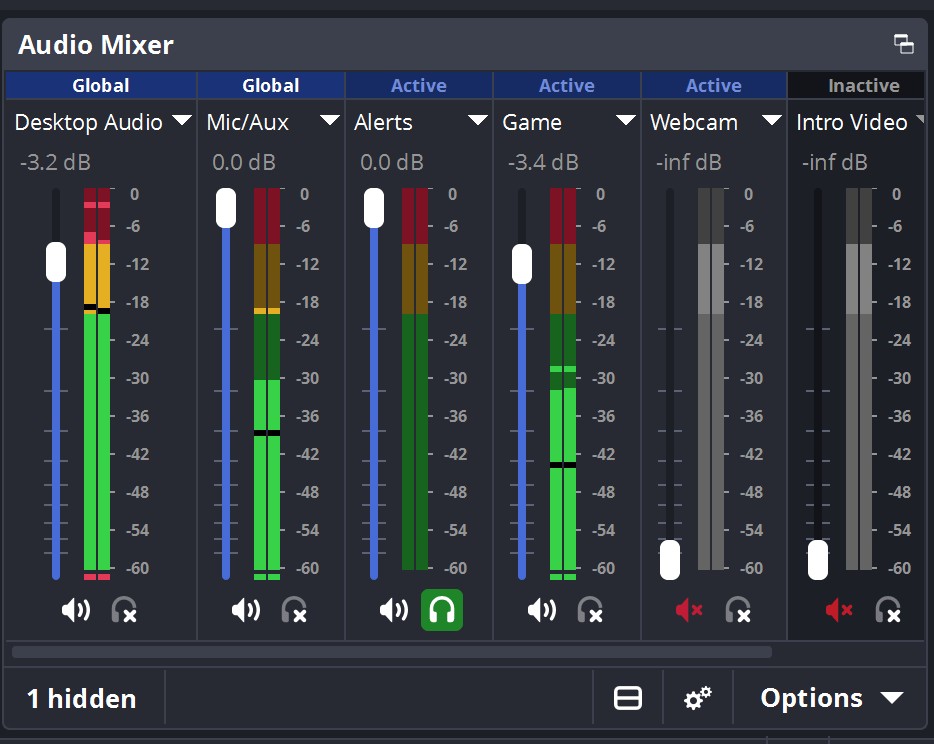
If you stream or record events with OBS Studio 33, version 33.0.3 is the one to install. The OBS Project released 33.0.2 on 20 November 2026 with fixes for audio dropouts on DeckLink output, screen capture on Intel Macs and a run of crashes, then released 33.0.3 on 22 November because 33.0.2 could crash at startup on certain older processors. 33.0.3 carries every 33.0.2 fix and is now the version on the OBS download page.
Skip 33.0.2 if your machine has an older processor
The OBS Project’s notes for 33.0.2 warn that on certain older processors OBS Studio crashes during startup, and that the problem does not affect everyone. Until a fix was ready it advised affected users to install 33.0.1 or 32.2.2 instead. The one change in 33.0.3 fixes that crash on Windows, so a streaming laptop or encoder PC that would not open 33.0.2 can move straight to 33.0.3.
Fixes that matter on show day
- Audio no longer drops out often on DeckLink output, which matters if you send OBS programme out to a screen, switcher or recorder through a Blackmagic Design DeckLink device.
- macOS Screen Capture now works on Intel-based Macs, so you can capture slides or a presenter’s screen on an older MacBook.
- Hybrid MP4 recordings now split by time, so a long recording of a full conference day is cut into files of the length you set.
- The YouTube AutoStop setting no longer takes the AutoStart value by mistake, so a YouTube broadcast ends when you mean it to.
- Potential crashes are fixed when the virtual camera starts up or unloads, which helps if you send OBS output into video-call software for hybrid sessions.
- Several browser source crashes are fixed, including one at startup on Windows, a memory allocation crash on Linux, and crashes on macOS when a browser source asks for Bluetooth access or a passkey. Browser sources on Windows can also now use WebGPU.
- Smaller fixes stop a crash when source properties change while a sub-window such as font selection is open, a crash when closing OBS with a device dialog still open, and duplicated groups losing their name.
Both are hotfix releases. If you are still on 32.x, the 33.0 release changed where third-party plugins are installed, which our report on OBS Studio 33.0 explains, and our guide to where OBS Studio fits in an event streaming setup covers how it works alongside other tools.
To compare OBS Studio with other streaming and production tools, see our AV and streaming directory.
Companies in this story
- OBS StudioYou can stream and record an event session from one Windows, Mac or Linux computer with no licence fee or watermark, using free GPLv2 software released since August 2012.
- Blackmagic DesignVideo equipment maker whose ATEM Mini hardware switchers handle multi-camera switching, streaming and recording for live events.